How to Rebuild Player Trust After a Game Update Disaster – A Step-by-Step Guide for Developers
Introduction
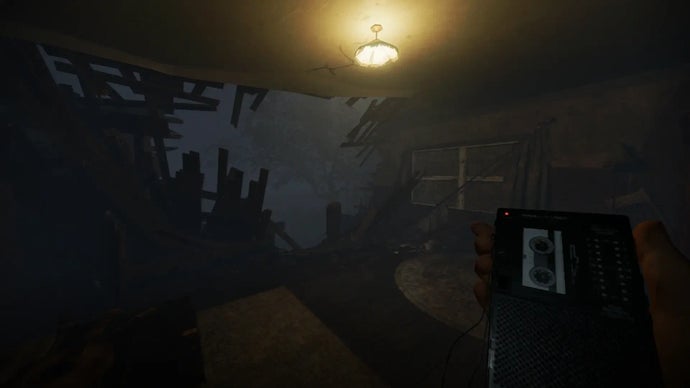
When a highly anticipated game update falls flat, the fallout can erode years of goodwill. Recent events in the gaming community — like Kinetic Games' public apology for the Phasmophobia Player Character Update — show that even beloved studios can lose their footing. But a misstep doesn't have to be the end. This guide walks you through the critical steps to acknowledge failure, communicate honestly, and earn back your community’s trust. Using the Phasmophobia case as a real-world example, you'll learn how to turn a PR disaster into a foundation for stronger relationships.
What You Need
- A public statement platform (e.g., Steam news, Twitter, official blog)
- Access to community feedback channels (forums, Discord, Reddit)
- A detailed roadmap for fixing the update’s issues
- Developer resources (time, budget, team capacity)
- Honest internal assessment of what went wrong
- Patience and humility — trust takes time to rebuild
Step-by-Step Guide
Step 1: Admit You Missed the Mark — Fully and Publicly
The first and most crucial step is a sincere, unreserved admission of failure. Don’t blame external factors or your players. Kinetic Games did this well when they said they “missed the mark” and “didn’t deliver on our promises.” Your statement should:
- Acknowledge the gap between what was promised and what was delivered.
- Take full responsibility without deflecting.
- Use clear, plain language — no corporate jargon.
This sets the tone for everything that follows. Players need to see that you understand the depth of their disappointment.
Step 2: Apologize with Specificity, Not Generality
A vague “we’re sorry” rings hollow. Point to concrete failures. For example, in the Phasmophobia update, players criticized broken mechanics, reduced performance, and removed features. Your apology should name the specific features that didn’t work and why. This shows you’ve listened and you know exactly what hurt your community.
Tip: Use the same channels where players voiced their complaints to issue your apology.
Step 3: Lay Out a Transparent Roadmap
Trust is rebuilt through action, not words. Release a detailed plan for fixing the update, including:
- Timeline for patches and hotfixes.
- Which core issues will be addressed first.
- How you plan to restore removed features if applicable.
Kinetic Games has stated they are working to “earn back this community’s trust” — but they must back that up with milestone updates. Share your roadmap publicly and update it as progress is made.
Step 4: Open Direct Communication Channels
Don’t just issue a statement and go silent. Host a Q&A session on Discord or Reddit, start a dedicated feedback thread, or stream a developer update. Answer tough questions honestly. If you don’t have an answer yet, say “we don’t know, but we’re working on it.” Transparency breeds patience.
Step 5: Act Quickly on Critical Fixes
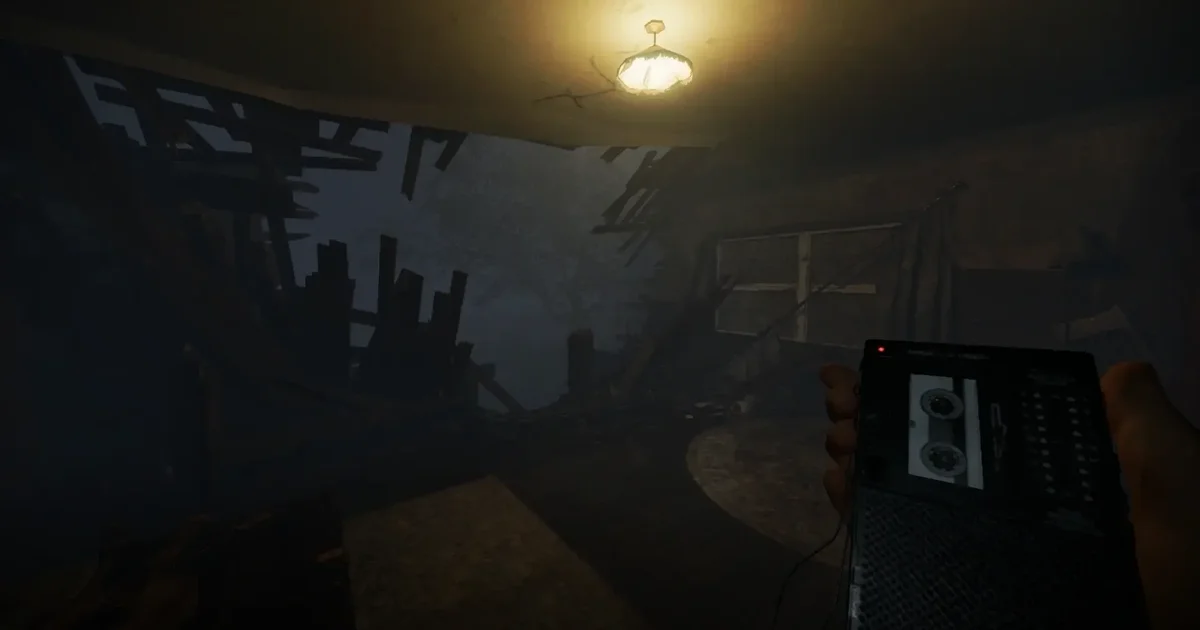
Prioritize the issues that hurt the most. In Phasmophobia, that meant performance drops and broken core mechanics. Deploy patches rapidly, even if they are small incremental improvements. Each fix is a trust deposit. Announce each patch with clear patch notes and a thank-you to players for their patience.
Step 6: Involve the Community in Quality Assurance
Consider releasing experimental branches or beta versions of fixes. Let dedicated players test changes before wide rollout. This not only catches bugs earlier but also makes the community feel like partners in recovery. Kinetic Games could create a “trust rebuild” beta program — it shows you value player input over rushing.
Step 7: Celebrate Small Wins Together
When a major fix goes live, highlight it. Use social media to show before/after comparisons or performance improvements. Thank the community for their feedback and patience. Positive reinforcement encourages ongoing good faith.
Step 8: Stay Humble and Keep Listening
Rebuilding trust is not a one-time event. Continue monitoring feedback even after the major issues are resolved. Regular check-ins, surveys, and open threads help maintain the connection. Avoid making promises you can’t keep again. Let your actions speak louder than words.
Tips for Success
- Don’t overpromise: It’s better to underpromise and overdeliver during recovery.
- Don’t ignore silent players: Many upset players don’t post; use anonymous surveys to reach them.
- Speed matters: Delays between apology and action compound frustration.
- Be human: Use real developer names and faces in communications.
- Monitor the narrative: Track sentiment on forums to gauge if your efforts are working.
- Prepare for backlash: Some players may never forgive fully — that’s okay. Focus on the majority who want to see you succeed.
By following these steps, you can transform a failed update into a turning point for stronger community bonds. Kinetic Games’ admission is just the first chapter — the real story is how they follow through.