10 Surprising Ways a $30 USB Drive Can Rescue Your PC from Costly Repairs
Every PC owner fears that dreaded moment when the screen goes black, the fan whirs loudly, or the system just refuses to boot. Hours of panic, frantic online searches, and worst of all, the prospect of a hefty repair bill often follow. I recently discovered that a simple, inexpensive USB drive can turn the tables—preventing a $500 repair bill and giving you control over your computer's fate. Below are ten eye-opening ways a $30 USB stick can save you time, money, and frustration.
1. Create a Bootable Rescue Drive to Fix Startup Crashes
When Windows fails to load, many people assume the motherboard or hard drive is dead. In reality, a corrupted boot record or missing system files are often the culprits. By creating a bootable USB drive with a live Linux distribution or Windows recovery media, you can directly access your PC's hard drive, repair the Master Boot Record (MBR), or even revert to a previous system state. This one trick alone can eliminate the need for a costly diagnostic service. With just a few free tools and a USB stick, you'll be back online in under an hour, saving yourself hundreds of dollars.
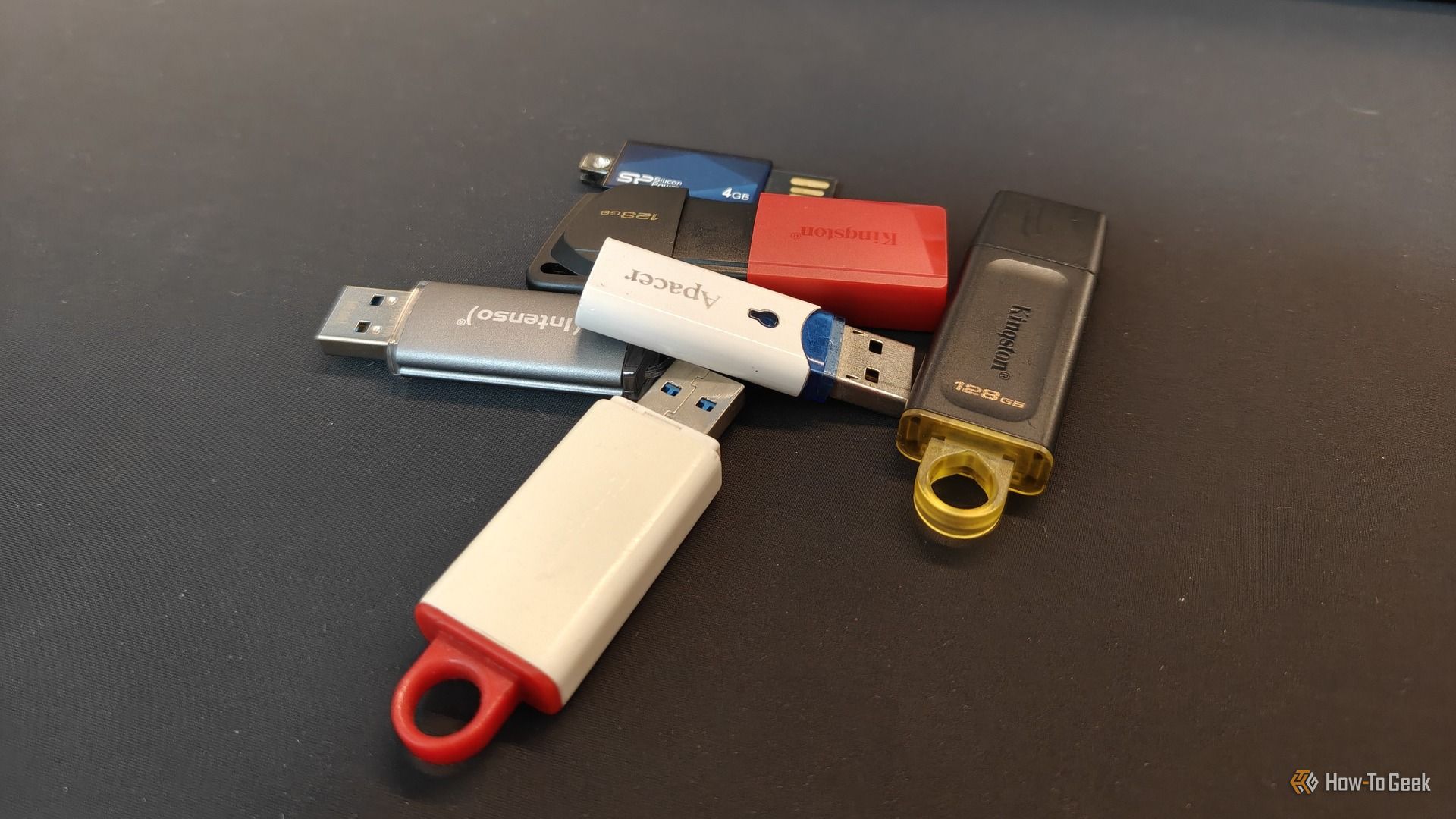
2. Build a Windows Installation Drive for Clean Reinstalls
A corrupt OS often leads to endless software conflicts, blue screens, and slowdowns. Professional repair shops charge around $100 to reinstall Windows and drivers. But with a simple USB drive, you can create an official Windows installation media using Microsoft's Media Creation Tool. Boot from the USB, wipe your old partition, and install a fresh copy of Windows. All your data can be backed up first using the same drive. This process is straightforward and costs nothing beyond the USB itself. It's a DIY solution that keeps hundreds of dollars in your pocket.
3. Perform In-Depth Disk Diagnostics and Repairs
Hard drive failures are a leading cause of PC breakdowns, and repair shops often quote large sums for data recovery or replacement. A bootable USB drive loaded with tools like Hiren's BootCD or Ultimate Boot CD can run chkdsk, test for bad sectors, and even attempt data recovery. You can scan and fix disk errors without needing to uninstall or replace drives. If the drive is truly failing, the diagnostics will tell you exactly what's wrong, allowing you to order a replacement part online rather than paying a technician to tell you the same thing.
4. Recover Critical Files Without Expensive Data Recovery Services
Data recovery companies often charge $300 or more for even a simple file rescue. But if your PC still recognizes the hard drive, a bootable USB can run lightweight data recovery software like Recuva or PhotoRec. Just boot from the USB, copy your important documents, photos, and videos onto the same USB or an external drive. This process works even if Windows won't start, because the USB operating system can bypass the damaged installation. With minimal effort, you can recover everything yourself and avoid that exorbitant bill.
5. Remove Stubborn Malware That Disables System Tools
Some viruses are smart enough to block antivirus software, Task Manager, and safe mode. This leaves many users thinking only a professional can clean the system. However, booting from a clean USB drive with a portable antivirus scanner allows you to disinfect the drive without the malware interfering. Tools like Kaspersky Rescue Disk or Bitdefender Rescue CD are free and updated regularly. Run a thorough scan from the USB, remove the threats, and reboot back into a clean system. This trick can save you the $150–$200 that a malware removal service typically costs.
6. Reset or Bypass Forgotten Windows Passwords
Locking yourself out of your own PC is frustrating and often leads to a technician using password recovery tools—for a fee. With a bootable USB drive containing tools like Offline NT Password & Registry Editor, you can clear or reset your account password without reinstalling anything. The process involves booting from the USB, selecting the SAM registry file, and removing the password for any user account. It takes 10 minutes and requires no special skills. This free solution eliminates the need to pay $50–$100 for a simple password reset.

7. Clone Your Entire Hard Drive for Backup or Upgrade
A total disk failure can cost you not only the price of a new drive but also expensive data recovery. By regularly using a USB drive to boot cloning software (like Clonezilla or Macrium Reflect Free), you can create a full system image or clone your drive to a new one. This process preserves all your files, settings, and installed programs. If your original drive dies, plug in the clone and continue working. The USB drive acts as the tool to perform the cloning, saving you the cost of professional migration services (often $100 or more).
8. Test RAM and CPU for Hidden Hardware Faults
Diagnosing hardware problems usually involves trial and error or expensive diagnostic software. With a bootable USB drive running MemTest86 or Prime95, you can test your RAM for errors and stress-test your CPU. If your PC crashes randomly, this pinpointing ability tells you exactly which component needs replacement. You can then buy a new stick of RAM or a thermal paste kit yourself, rather than paying a shop to run the same tests and mark up the parts. The USB tool is free and can be reused for multiple tests.
9. Dual-Boot or Test a Different Operating System
Curious about Linux but afraid of messing up your PC? A bootable USB lets you try various operating systems risk-free. This experimentation can help you choose a faster, more secure OS for an old machine, avoiding the expense of a new computer. You can also use a persistent USB to keep your settings and files, effectively running a full portable OS from the drive. Repair shops often charge for OS installations or upgrades, but with a USB, you can do trial runs and permanent installations yourself, saving both time and money.
10. Create a Multi-Boot Toolkit for All Emergencies
Why settle for one rescue tool when you can have dozens? Using tools like Ventoy or YUMI, you can turn a single USB stick into a multi-boot drive that contains Windows installers, Linux distros, antivirus rescue disks, disk diagnostic utilities, and password reset tools. This comprehensive emergency toolkit fits in your pocket and costs $30. When any problem strikes, you simply boot from the USB and have the right tool at your fingertips. You'll never need to pay a technician for a simple fix again, making that one-time investment priceless.
Conclusion: A $30 USB drive is much more than a storage device—it's a full-fledged PC doctor that can diagnose, repair, and recover your system from almost any software or hardware issue. Each of these ten techniques has saved me from expensive repair bills, and they can do the same for you. The next time your PC acts up, reach for your trusty USB stick before you reach for your wallet. With a little preparation, you can handle most emergencies on your own, keeping that $500 right where it belongs: in your pocket.